It Doesn’t Take Any Extra Time
To Be Nice
This Weeks Prompt Tip The Prompt Fixer Use this when you know what you want but cannot phrase it. The Prompt:
Act as an expert prompt engineer.
I want help with [goal], but I am not sure how to ask.
Ask me five clarifying questions, then write the best possible prompt for this task.
Why it works:
It turns vague ideas into usable prompts.
TIP: Turn these prompts (along with others you may already have) into something reusable. Instructions and Downloadable copy of my spreadsheet (prompt vault) are located at the bottom of this newsletter.
|
Brand discovery used to follow a predictable path. A consumer saw an advert, clicked through to a website, compared options, then made a decision. For Gen Z, that journey rarely looks so neat. This generation does not start with Google and end with a brand website. Discovery happens in fragments. It begins in social feeds, group chats, comment sections, short videos, creator recommendations, and peer conversations. Often, it starts without any conscious intent to buy. If you want Gen Z to find your brand, you need to understand how discovery actually works for them and build for that reality. This playbook breaks down what has changed, why it matters, and how to design a discovery strategy that meets Gen Z
where they already are.
For all its faults as a platform, YouTube’s video player functionality is easily among the best online. It streams
reliably to almost every device you can think of, in your choice of both video quality and playback speed. But it’s the array of hidden features and interface tricks that push it over the edge for me. (Other video players, take note.) Here are 10 of my favorite hacks that make YouTube easier to use.
Think of your website like a library.
For years, you just needed to make sure the doors were open so Google could walk in and index the books. Today, that library is being visited by AI agents that don’t just browse, they sprint through the aisles, pull specific paragraphs, and read them aloud to users who may never actually step inside your building. That
changes the job description. You aren’t just maintaining a website anymore; you are managing a data source for the decentralized web. This guide walks you
through the engineering required to make sure your products are found, understood, and cited in 2026.
Even though this guide was originally published over ten years ago, the tips provided are timeless. To-do lists
were supposed to make life simpler. Write tasks in a list where you don't have to remember them, and they'd stop causing stress. Never mind the growing backlog; at
least you won't forget anything. Only, it isn't that simple. Even with the best to-do list apps, that nagging feeling you've forgotten something persists. It's almost as if those tasks left a part of themselves behind in our brain, unwilling to let us forget they need to be finished. You can try another todo list app, declare task bankruptcy and start all
over. And yet the nagging will go on, unless you change how you think about your to-do list.
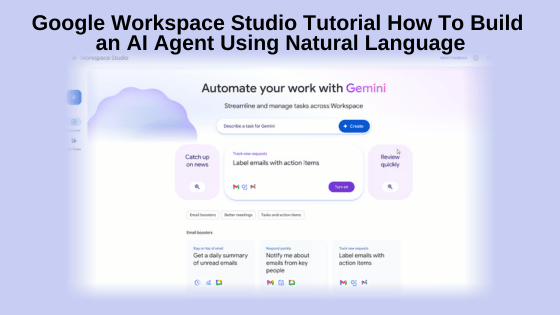
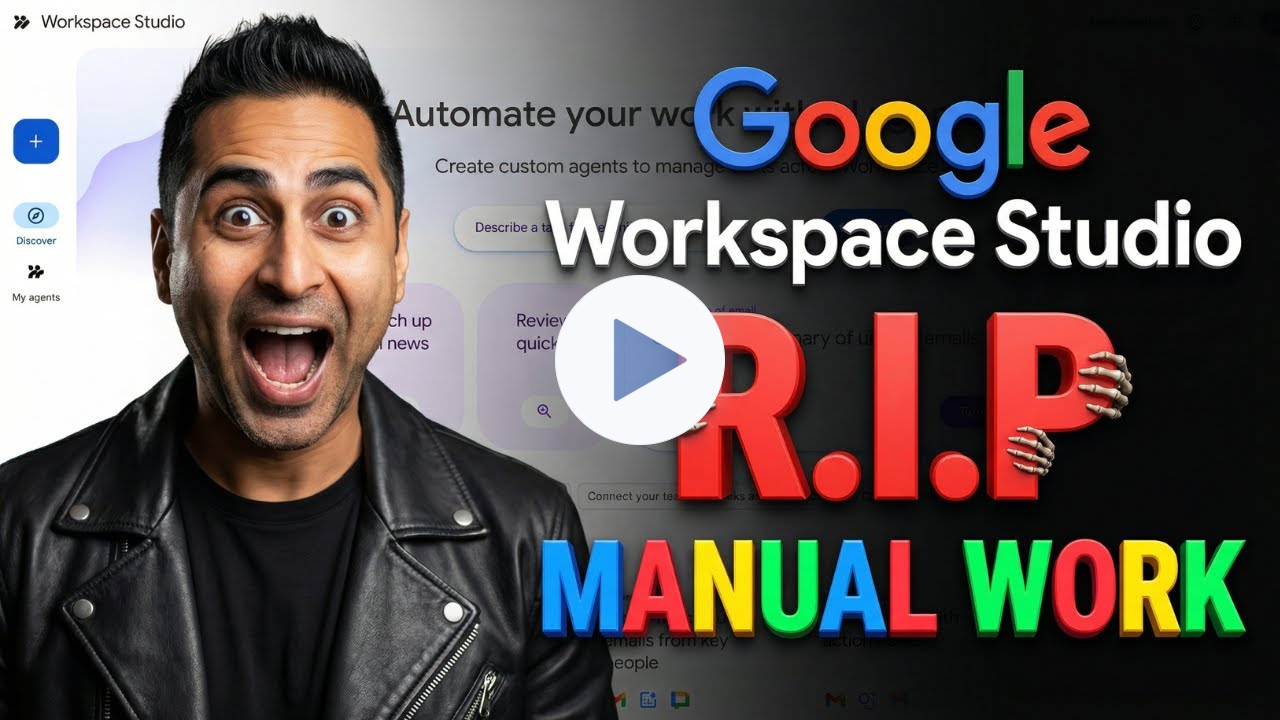
If you are like me and are a Google Workspace user, you likely spend too much time on repetitive tasks like organizing email attachments, logging files, or summarizing incoming data requests, or any number of other tasks that envolve stuff you have in your Google ecosystem (Gmail,
Drive, VEO, NotebookLM...). Google Workspace Studio changes that by allowing you to build intelligent AI agents that handle these chores automatically. In this tutorial, we’ll walk you through the key features of Google Workspace Studio and explore how to build your first AI agent using this powerful tool.
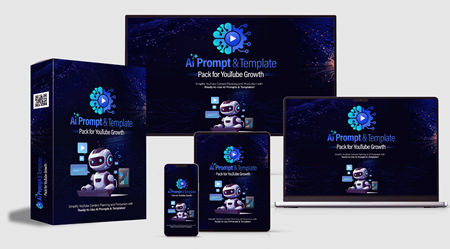
Promotional ad AI Prompt & Template Pack for YouTube Growth With Unrestricted PLR
This is a completely in-house created product, built from scratch by our expert content & AI strategy team.
Not recycled Unrestricted PLR.
Not scraped prompts. Not generic AI fluff.
$7.95! The AI Prompt & Template Pack for YouTube Growth With UPLR is a complete, ready-to-use system designed to help creators grow YouTube channels
faster using structured
AI prompts, proven templates, and step-by-step execution plans.
It's not just random prompts. It's a done-for-you YouTube growth framework that shows users exactly how to: -Discover profitable niches
-Generate endless video ideas
-Create high-retention scripts
-Craft click-worthy titles & thumbnails
-Optimize descriptions & tags for SEO
-Monetize with affiliate-ready structures
-And the biggest advantage... It Comes
Full
(Unrestricted Private Label Rights) There are some OTO's but none are required to benefit from the main offer of growing you YouTube channel with the help of AI.
Just $7.95
So Worth a look!
30 Day Full refund policy
Check out the Offer and the rest of the details inside
AI Agents Dropped Directly Into
Google Workspace Politics aside, I’ve been a fan of all things Google for years and even more so since they have jumped into the AI race with both feet.
So if I seem to ‘Hype-Up’ the different AI tools from Google, just know that yes, I am biased. LOL!
In this video, we're taking you inside
G-Workspace Studio for a complete walkthrough.
We aren't just talking about simple automation here, because these are AI agents that can reason, understand context, and make decisions using natural language.
From analyzing email history to automating workflows from Google Forms, I’ll show you exactly how to build
powerful agents without writing a single line of code.
*Instructions & Downloadable Prompt Vault Spreadsheet Turn these/your prompts into a reusable asset. The easiest way to do that is with a simple Google Sheet. Create one sheet (or click here to get a copy of mine) and use one row per prompt. Drop in the prompt from each newsletter, make a quick note about what you used it for, and jot down what worked or didn’t. Over time, you’ll build your own prompt vault made up of prompts you already know work for your business. That is the goal of
this weekly section. Not just ideas, but assets you can reuse again and again. *NOTE: Using my Google Sheet template, you will be asked to make a copy instead of asking me for editing permission of the original. Once you click the Make Copy button, the sheet will be added to your Google Drive. If you are not
already logged into a Google account, it will prompt you to log in. Once you have the “Copy of Weekly Prompt Vault,” you can click into the title area (top-left) and change the name to whatever you want or leave it - it’s yours to do with whatever you want.
Next is the 'Heart' of my biz, Google
Workspace Google Workspace has my email, online storage, Gemini Pro and other AI tools (Nano Banana, NotebookLM, Veo 3.1, and More) My Link takes you to the pricing and features page. Personally I have 1 Standard (for the extra
storage and upgraded AI tools), and 4 Starters for my various domains and the 'business' level email service. Here is my link and if after having a look, you want a Starter or Standard plan, let me know and I'll provide a 10% discount coupon for an entire year for whichever plan you choose. https://referworkspace.app.goo.gl/Xouo
Next is the payment processor My Payment Processor: Thrivecart
|
|



 Thank you for checking out this week's Newsletter. Here is a little house cleaning while you are here:
